
Staff Assist Buttons for Hospitals: What They Do and What They Miss
Key Takeaways
- Staff assist buttons deliver reliable coverage at fixed workstations, but the majority of duress alerts in hospitals come from locations no fixed button can reach: hallways, patient rooms, and parking areas
- The gap between a hospital-grade static button and a consumer device shows up in five architectural markers: network independence, multi-responder routing, false alarm resistance, silent activation, and audit logging
- If your facility has mobile staff alongside fixed stations, ask whether the vendor covers wearable badges and static buttons on one platform before committing to a static-only installation
A staff assist button is the simplest duress device you can deploy. Mount it under a desk, connect it to an alert system, and responders know exactly where the call came from. That simplicity is what makes it the right choice for fixed workstations. It's also what limits it. The coverage ends where the mount point ends, and most buyers don't evaluate that boundary until after installation.
The question most buyers skip: what percentage of your staff's shift is actually spent at that station? If the answer is less than half, a static-only system leaves most of their workday unprotected.
What a Staff Assist Button Actually Is
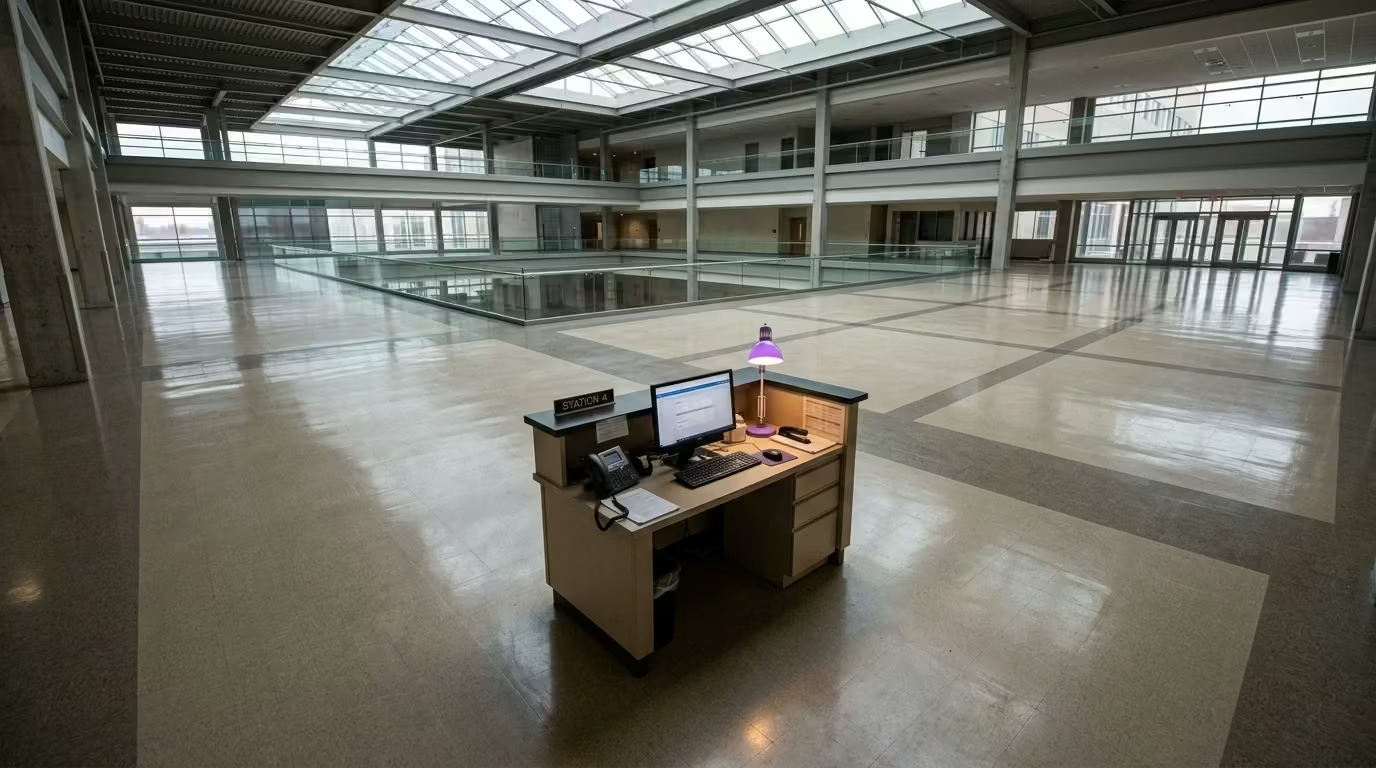
A staff assist button is a fixed-location duress device. It mounts under a desk, on a wall, or at a nurse station, and it stays there. When pressed, the system sends an alert tied to that specific location. The button never moves, so the system always knows where the alert came from.
That's the core advantage: location accuracy without the dense beacon infrastructure wearable badge systems require. It's also the core constraint. The button protects the station, not the person who walks away from it.
If you're comparing across the full category, the healthcare duress alerting systems overview covers the complete taxonomy. This article stays focused on the fixed-mount sub-type.
Where Static Buttons Protect Hospital Staff
Fixed-mount buttons earn their place at workstations where a staff member stays put for long stretches:
- Reception and registration desks
- Triage counters and intake windows
- Pharmacy counters
- Nurse stations
These are spots where a confrontation can escalate quickly and the staff member can't easily leave. Deployment is straightforward because each button maps to a known location. Responders know exactly which desk, which counter, which window.
When a static-only installation is genuinely enough: If your facility's risk is concentrated at fixed intake or reception points and staff rarely leave those stations, a static system may be all you need. That's a real scenario for smaller clinics and single-floor urgent care centers. For multi-floor hospitals where staff move between patient rooms, hallways, and parking structures, a static-only approach leaves most risk locations uncovered.
What Staff Assist Buttons Miss
The coverage gap in a static-only installation isn't fixable by adding more buttons. It's built into the form factor.
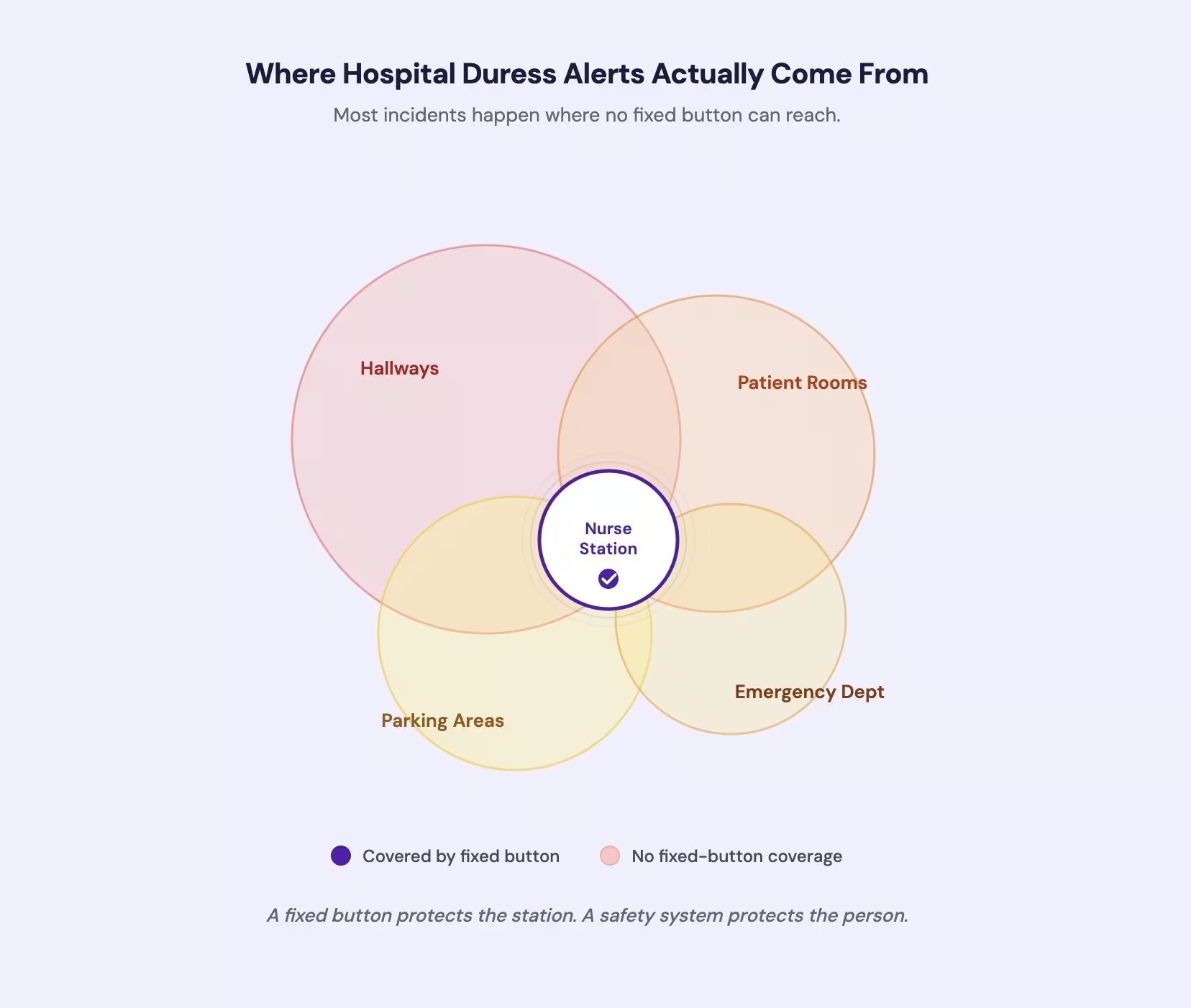
Only 14% of duress alerts in hospitals originate at nurse stations [1]. The largest share comes from hallways (42%) and patient or exam rooms (27%). The places where staff actually trigger alerts are overwhelmingly locations no fixed button can reach.
| Where incidents occur | Coverage a fixed button provides |
|---|---|
| Hallways (42% of duress alerts) | None: no mount point, no coverage |
| Patient / exam rooms (27% of alerts) | None unless a button is in every room |
| Nurse stations (14% of alerts) | Full coverage at the mount point |
| Parking lots (23% of hospital shootings) | None: exterior location |
| Emergency departments (29% of hospital shootings) | Partial: desk coverage only |
Across 154 hospital shootings, 23% occurred in parking lots, 29% in emergency departments, and 19% in patient rooms [2]. OSHA names poorly lit corridors, rooms, and parking areas as risk factors [3]. These aren't edge cases. They're the primary locations a static-only system can't reach. If your coverage plan ends at the desk, it ends before most incidents begin.
See how a system covers both fixed stations and the areas between them
There's also a routing vulnerability most buyers don't evaluate. Traditional nurse-call systems route button presses to a single console. If that console goes unmonitored during a shift change, the alert drops silently:
- The staff member pressed the button
- Nobody received it
- Nobody knows it was pressed
Single-console routing was designed for patient comfort calls, not security emergencies. A hospital-grade system needs silent activation that reaches multiple responders without alerting the aggressor. Ask the vendor: how many people receive the alert, and what happens if the primary console is down?
The question isn't whether you need buttons at the desk. You probably do. The question is whether those buttons are your entire safety system or the fixed-station layer of a broader one. Most hospitals with behavioral health units, multi-floor layouts, or 24-hour operations need both. For wearable form factors, the duress badges guide covers what to test.
Hospital-Grade vs. Consumer-Grade Static Buttons
Even within the fixed-mount sub-type, the gap between a hospital-grade system and a consumer device is wide. Five architectural markers separate them.
| Marker | What It Means |
|---|---|
| Network independence | Consumer-grade buttons connect through hospital Wi-Fi. If the network goes down, the button goes down with it. Hospital-grade systems run on an independent network with a separate cellular gateway. |
| Multi-responder routing | A commodity device sends the alert to one console. A hospital-grade system sends it to every designated responder simultaneously: security, charge nurse, supervisor. No single point of failure. |
| False-alarm-resistant activation | Without protective covers, accidental presses can drive false alarms to over nine per week [4]. Hospital-grade systems use deliberate activation that prevents accidental triggers while remaining usable under stress. |
| Silent activation | An audible alarm in a room with an aggressive individual escalates the situation. Hospital-grade systems activate silently: no tone, no vibration, no visible signal. |
| Audit logging | Compliance-ready systems generate exportable records of every activation: timestamp, location, response time, outcome. These logs support OSHA and Joint Commission reporting. |
If the vendor can't demonstrate all five, you're buying a consumer device at a hospital price.
Our system covers both fixed workstations and mobile staff on one platform, with independent network coverage across the full facility.
Contact UsWhat to Evaluate Before Installing
Both the Joint Commission and OSHA require coverage beyond fixed stations [3]. Those regulatory frameworks translate into specific questions.
Does the system survive a Wi-Fi outage? Ask the vendor what network the button runs on. If it's your hospital's Wi-Fi, ask what happens when it goes down. The wireless duress alarm guide explains why network independence matters.
Does the alert reach multiple responders? Single-console routing is a single point of failure. Ask how many people receive the alert and through what channels.
Is the activation false-alarm-resistant? Ask for false alarm data. If they won't share it, that tells you what the numbers look like. Law enforcement guidance recommends dual-action or covered designs to prevent accidental activation [5].
Does the vendor cover mobile staff on the same platform? A static button at the desk and a wearable badge in the hallway should operate on:
- One network
- One dashboard
- One response protocol
If the vendor only sells fixed-mount devices, you'll need a second system. Two systems that don't talk to each other create gaps that only surface during an incident.
Does the vendor train your staff on-site? A button without a practiced response protocol is hardware, not a safety system. Ask what the first 30 days after installation include. If the answer is a PDF manual and a support email, keep looking.
STAFF ASSIST BUTTONS
Cover the Desk and Everything Beyond It
Ask us how one platform covers fixed workstations and mobile staff across your full facility.
References
- Campus Safety Magazine. "5 Healthcare Duress Alert Trends from 2025." https://www.campussafetymagazine.com/insights/5-healthcare-duress-alert-trends-from-2025/177012/
- Annals of Emergency Medicine / PubMed. "Hospital-Based Shootings in the United States, 2000-2011." https://pubmed.ncbi.nlm.nih.gov/22998757/
- OSHA. "Guidelines for Preventing Workplace Violence for Healthcare and Social Service Workers." https://www.afscme.org/about/jobs-we-do/file/osha3148-1.pdf
- Critical Care and Resuscitation / PMC. "False Alarm Rates in Hospital Emergency Alert Buttons." https://pmc.ncbi.nlm.nih.gov/articles/PMC10692528/
- Louisville Metro Police Department. "Single-Action Panic Buttons Guidance." https://www.lmpd.gov/DocumentCenter/View/698/Single-Action-Panic-Buttons-PDF