
Wearable Panic Buttons for Employees: A Business Owner’s Guide
Key Takeaways
- A wearable panic button for employees solves a problem static buttons can't: protecting staff who move through a facility and can't return to a fixed spot during an emergency
- The difference between a credible wearable system and a consumer tracker comes down to indoor location accuracy, battery model, and whether the device earns enough trust to get worn every shift
- Before evaluating vendors, know what to ask about beacon infrastructure, location updates, and privacy architecture to disqualify systems that won't hold up past the first week
If your staff move through a building rather than sit at a single desk, a fixed panic button can't follow them. That's the gap a wearable panic button for employees is designed to close. The category is crowded with consumer GPS trackers and app-based tools that weren't built for commercial facilities. This guide covers what makes a wearable system credible, who it's built for, and how to evaluate one before you buy.
What Wearable Panic Buttons Do Differently
A static panic button works because its location is already known. It's mounted under a desk or on a wall. When someone presses it, responders know exactly where to go.
A wearable changes the equation. The person carrying it could be on any floor, in any room, walking a hallway or a parking garage. The system has to report where the wearer is right now.
That's where most consumer devices fall short. GPS signals degrade badly indoors. Outdoors, standard GPS lands within about 5 to 10 meters [1]. Inside a building, that error balloons to 30 meters or more because walls and ceilings block satellite signals.
Credible wearable systems solve this with Bluetooth Low Energy beacon networks installed throughout the building. With a dense enough grid, BLE positioning narrows accuracy to roughly 1 to 3 meters indoors [2]. That's room-level. When a staff member presses the button, responders know which room to enter. The wireless systems guide covers the full architecture comparison between WiFi-dependent, cellular, and independent mesh networks.
| Capability | Consumer GPS Device | Purpose-Built Wearable System |
|---|---|---|
| Indoor accuracy | 30+ meters (floor-level at best) | 1–3 meters (room-level via BLE beacons) |
| Location updates | Check-in only or periodic GPS polling | Real-time as wearer moves between beacons |
| Battery | Daily or weekly charging | Multi-year coin cell, no charging |
| Network | Cellular or WiFi dependent | Independent BLE mesh with cellular gateway |
| Adoption | App download required | Badge clip or lanyard, no setup |
Who Wearable Panic Buttons for Employees Are Built For
The common thread isn't a specific industry. It's a work pattern: staff who move through spaces alone, out of earshot, without a predictable location.
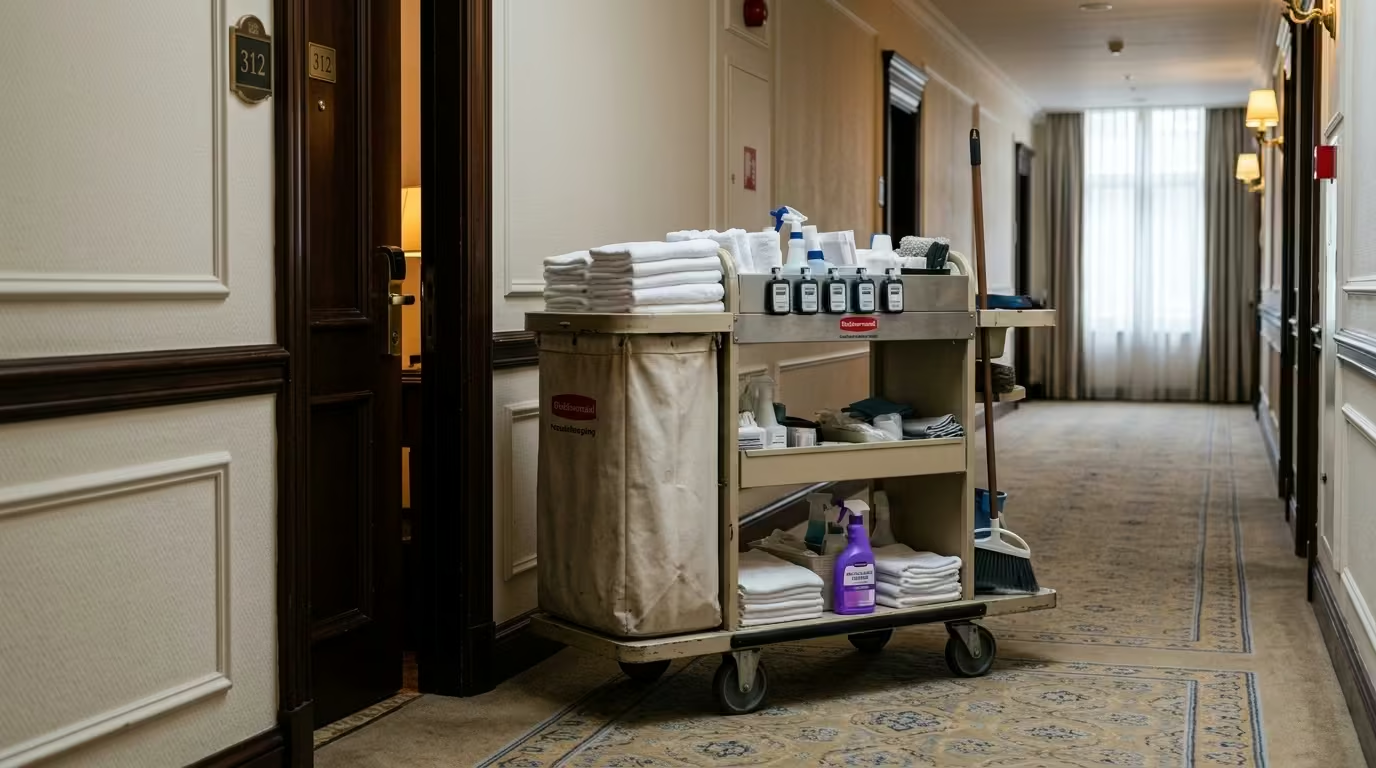
Hotel housekeepers are the clearest example. They work alone in guest rooms, floor by floor, behind closed doors. More than half of downtown Seattle hotel housekeepers surveyed reported sexual harassment or assault by guests [3]. A discreet device that travels with the worker and transmits their current room matters here in a way a wall-mounted button never could.
The pattern extends to any role where workers are mobile and isolated:
- Property managers walking vacant units alone
- Maintenance crews in mechanical rooms and basements
- Social workers conducting home or field visits
- Campus staff rotating between buildings after hours
If your staff can't count on someone seeing or hearing them during an incident, a wearable is the sub-type that matches their reality.
What Separates a Credible Wearable System
This is where most buyers get tripped up. Dozens of products call themselves "wearable panic buttons." Three credibility markers separate real systems from the rest.
Live location as the wearer moves. A system that logged the wearer's location at check-in but can't update it in real time fails the basic test. The device must communicate with beacons throughout the facility so responders see the wearer's current room.
Privacy architecture that earns trust. Staff who feel tracked won't wear the device. Workers are genuinely uncomfortable with continuous location monitoring, and organizations that ignore this find adoption collapses within weeks. The approach that works: location activates only when the button is pressed. No passive monitoring. No continuous tracking. That distinction turns a surveillance tool into a safety tool.
A battery model and form factor that sustain adoption past week one. App-based mandates collapse without the right device. One school district with 4,000 employees saw only about 20% download a required mobile panic button app [4]. After switching to wearable badge-style buttons, adoption reached 100%.
Even among wearable devices, tools often go unworn or left at the front desk by mid-shift because of bulk, weight, or daily charging. Multi-year coin-cell batteries eliminate the charging burden entirely. The device works for years without a single trip to a charging station.
Two additional markers round out the picture. A credible system runs on its own network, independent of facility WiFi. Stairwells, basements, and parking structures are exactly the places where WiFi drops and incidents happen. The wireless systems guide covers network independence in depth. And the activation mechanism should be silent and deliberate, requiring multiple rapid presses rather than a single tap.
See how ROAR's wearable panic button delivers room-level location with privacy-first activation.
When a Static Button Serves Better
A wearable adds infrastructure complexity. If your staff don't move, that complexity is wasted.
The test is simple: does the person stay in one place during their shift? Receptionists, cashiers, front-desk staff, and single-room office workers already have a known location. For these fixed roles, an under-desk or wall-mounted button gives responders the same location certainty without a beacon network or device distribution.
If your team splits between fixed and mobile roles, you may need both. The under-desk panic button guide covers the static sub-type in detail, including network options and placement strategy.
ROAR's wearable system runs on an independent BLE mesh with real-time room-level location, privacy-first activation, and multi-year battery life.
Contact UsEvaluating Wearable Panic Buttons for Your Business
When you're ready to talk to vendors, these questions separate credible systems from marketing claims.
Form factor and weight. A badge that staff don't wear gives no protection. Ask what the device looks like and how much it weighs before evaluating anything else. Will your staff actually carry it through a full shift?
Battery model. Is it a multi-year coin cell or a rechargeable? If rechargeable, what's the charge cycle? Daily charging collapses adoption over time.
Location updates. Does the system update the wearer's location as they move, or only at check-in? Ask for a demonstration showing real-time room-level tracking across multiple floors.
Beacon infrastructure. Wearable systems require facility-wide location networks. BLE beacon grids typically need devices spaced every 10 to 15 meters in overlapping patterns. Ask who designs the layout, who installs it, and who tests coverage in your specific building.
Network independence. Does the system depend on your facility WiFi, or does it operate on its own network? Every dead zone in your building becomes a dead zone in your safety system.
False-alarm prevention. What activation mechanism does the device use? A deliberate multi-press sequence prevents accidental triggers while still allowing fast activation under stress.
The full vendor evaluation framework in the buyer's guide covers additional criteria across all system types.
Your next step is straightforward: take this checklist into vendor conversations. Test each wearable panic button against the architecture, adoption, and infrastructure standards that matter on shift three hundred, not just shift one.
WEARABLE ARCHITECTURE EVALUATION
Ready to See a Wearable System Built for Sustained Adoption?
ROAR's wearable panic button runs on an independent Bluetooth mesh network. Room-level location updates in real time as staff move. Privacy-first activation. Multi-year battery life. No WiFi dependency.
References
- Navigine. "Why Is GPS Ineffective Inside Buildings?" https://navigine.com/blog/why-is-gps-ineffective-inside-buildings/
- Bluetooth SIG. "Location Services." https://www.bluetooth.com/learn-about-bluetooth/feature-enhancements/location-services/
- Puget Sound Sage. "Hotel Worker Survey, September 2016." https://pugetsoundsage.org/wp-content/uploads/2016/12/PSS_HotelWorkerSurvey_Sept2016.pdf
- eSchool News. "Wearable Panic Button School Safety." https://www.eschoolnews.com/educational-leadership/2024/06/17/wearable-panic-button-school-safety/