
Key Takeaways
- A panic button sends a signal through four stages: activation, location, transmission, and alert delivery. The system fails if any single stage breaks down
- The location method built into the system determines whether responders get a specific room name or just a building address, which changes how fast help arrives
- Network independence is the single biggest reliability factor, because systems sharing your facility’s WiFi inherit every outage and dead zone that network already has
A panic button works by sending a signal through a four-stage chain: activation, location identification, transmission, and alert delivery. Understanding how does a panic button work at each stage gives you the ability to tell a reliable system from one that looks good on paper but fails when it matters. Each stage has a different way of breaking, and the system is only as strong as its weakest link.
How Does a Panic Button Work: The Four-Stage Signal Chain
When someone presses a panic button, a signal moves through four stages in sequence. Each stage hands off to the next. If any single stage fails, the alert never reaches the people who can respond.
The activation stage is the physical press itself. Dedicated hardware buttons send a short radio signal the moment they’re pressed. The entire chain from button press to alert delivery typically completes in one to five seconds for dedicated wireless systems. App-based alternatives often add extra seconds for countdown timers, server processing, and smartphone handling before the alert even leaves the device.
After activation, the system identifies where you are. Then it transmits that information across a network to a gateway. The gateway delivers the alert to security staff, managers, or emergency responders. Four stages, each dependent on the one before it.
How Location Gets Identified
The practical question behind stage two: when someone presses the button, do responders learn which room to enter, or just which building to drive to?
Three location methods produce very different answers.
| Location Method | Accuracy Indoors | What Responders Get | Key Limitation |
|---|---|---|---|
| GPS | 30+ meters (often unavailable) | Building address at best | Satellite signals blocked by walls and ceilings |
| WiFi positioning | 5–15 meters | Wing or floor identification | Depends on access point density and calibration |
| BLE beacons | 1–3 meters (room-level) | Specific room name and floor | Requires beacon installation throughout facility |
GPS works well outdoors, providing roughly five to ten meters of accuracy. Inside a commercial building, walls, ceilings, and structural materials block satellite signals, making GPS unreliable or completely unavailable for indoor staff safety. A GPS-only system might tell responders someone is in the building. It won’t tell them which floor or room.
WiFi positioning improves on GPS indoors but still lands in the five to fifteen meter range for most commercial setups. That’s enough to identify a wing or floor, rarely enough to pinpoint a specific room.
BLE (Bluetooth Low Energy) beacons take a different approach. Each beacon is mapped to a specific room or zone in the system’s software. When a button is pressed, it pings the nearest beacon, and that beacon’s ID tells the system exactly which room the person is in. Research testing this approach found that combining multiple beacon signals identified the correct room roughly 92% of the time [1].
The gap between “somewhere in the building” and “Room 214, second floor” is the gap between a useful alert and a search operation. The wearable panic buttons guide covers indoor location accuracy in more depth.
How the Alert Reaches Responders
Stage three is where the signal travels from the button to the people who need to see it. The network carrying that signal is the most common single point of failure in the entire chain.
WiFi-dependent systems connect to your facility’s existing WiFi network like any other device. The button associates with the nearest access point and sends an alert over your local network. This works when your WiFi works. It inherits every vulnerability your network already has.
Cellular systems contain a built-in modem that connects directly to a mobile carrier’s network. They bypass your facility’s WiFi entirely but inherit cellular coverage gaps instead. Basements and interior rooms with poor signal become blind spots.
Independent mesh systems use a dedicated network of small nodes installed throughout the facility. When a button is pressed, the nearest node picks up the signal. It relays that signal hop by hop across multiple nodes to a gateway. Because each node can send, receive, and relay, the network creates multiple paths to the gateway. If one node fails, surrounding nodes reroute automatically. This self-healing behavior means the system doesn’t depend on any single path staying open.
The key distinction: shared networks inherit your facility’s outages. Independent networks don’t. The wireless systems guide covers the full architecture comparison.
See how a purpose-built panic button system handles each stage of the signal chain on an independent network with room-level location.
What Can Go Wrong at Each Stage
Every stage of the signal chain has documented failure categories. These aren’t hypothetical. They’re patterns that deployment experience and technical analysis have identified.
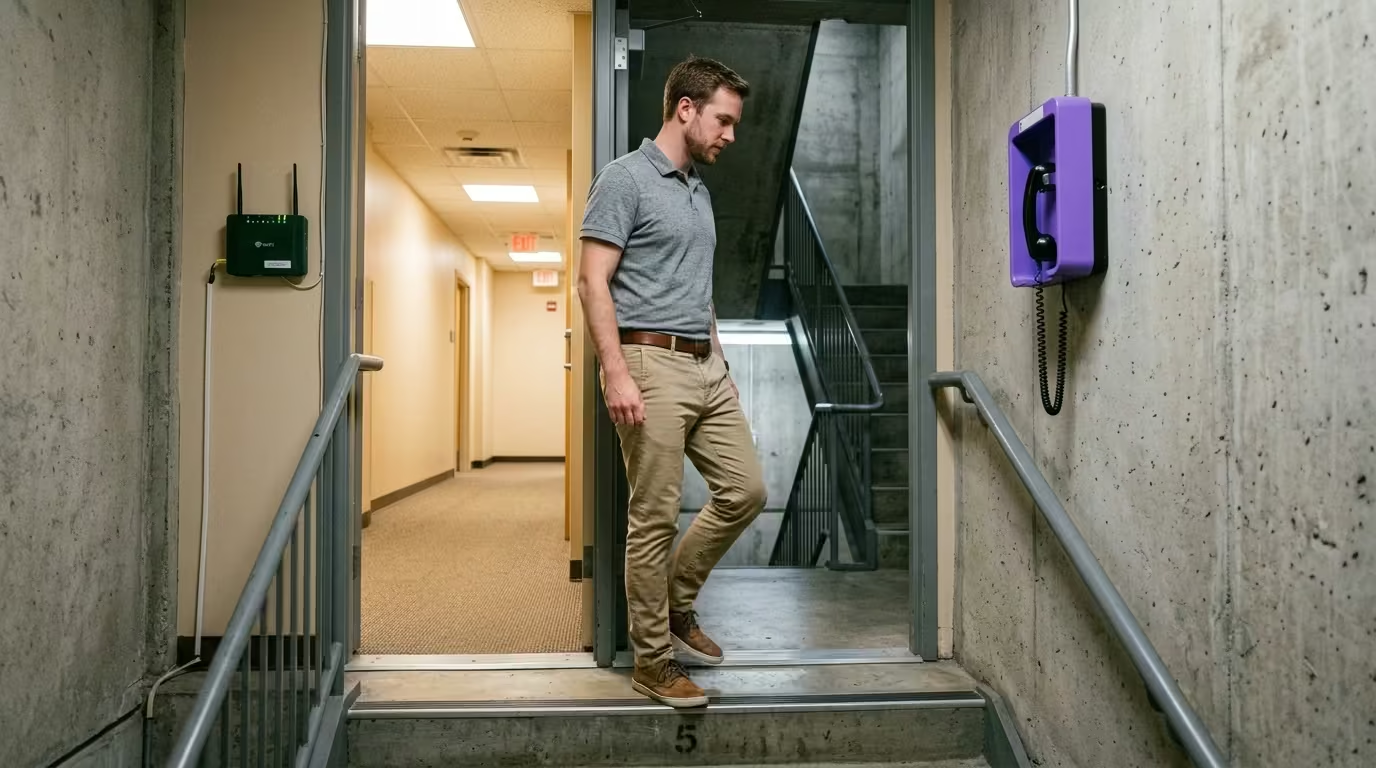
Dead zones disrupt transmission. Nearly all first responders have reported dead spots inside buildings where radio communications failed [2]. Your facility almost certainly has similar gaps. WiFi and cellular coverage drop in the same trouble zones: stairwells, basements, parking structures, and elevator shafts.
Network outages stop WiFi-dependent systems cold. A WiFi-dependent system can’t send alerts when the WiFi network is unavailable. The two share the same single point of failure. Your panic system’s uptime can’t exceed your network’s uptime.
Battery failure creates silent gaps. Some battery-operated buttons aren’t monitored by the system. A dead battery goes undetected until someone tries to use it and nothing happens. Supervised battery management, where the system flags low batteries before they die, closes this gap.
Cloud dependency adds another link. Some systems route alerts through a cloud server before notifying responders. Vendors and security analysts identify this as an additional point of failure. If that server goes down, the alert chain breaks even when the button, location, and local network all work fine.
Each stage of the signal chain now has a name, a mechanism, and a failure mode. That understanding changes how you evaluate any system you encounter. The buyer’s guide walks through a full evaluation framework built on these criteria, covering how does a panic button work in practice across different deployment environments.
SIGNAL CHAIN EVALUATION
Ready to See How the Signal Chain Works in Practice?
See a purpose-built panic button system demonstrate each stage: one-press activation, room-level location, independent network transmission, and multi-responder alert delivery. No WiFi dependency.
References
- Garcia et al. “Indoor Localization Using BLE Beacons.” PMC. https://pmc.ncbi.nlm.nih.gov/articles/PMC11014119/
- Security Today. “An Uninterrupted Lifeline.” https://securitytoday.com/articles/2021/10/01/an-uninterrupted-lifeline.aspx