
Key Takeaways
- Smartphone panic apps fail during emergencies because the phone itself is the weak link, requiring steps that collapse under stress, signal loss, and workplace phone policies
- Four alternative categories exist beyond phone-based apps, each with distinct strengths and tradeoffs depending on your office layout, staff mobility, and existing security infrastructure
- The strongest test for any alternative is whether it works without requiring anything from the user beyond a single physical action under duress
Your smartphone panic button app checked every box when you chose it. Zero hardware cost, instant deployment, a device already in every pocket. If you’re now searching for alternatives to smartphone panic buttons for your office, you’ve probably discovered that the phone itself is the problem. The app isn’t broken. The platform is wrong for duress alerting. What follows are the alternative categories worth evaluating and an honest look at what each one actually solves.
Why Smartphone Panic Buttons Make Sense Initially
The logic behind a phone-based panic app is sound on paper. Every employee already carries the device. No procurement cycle, no hardware budget, no IT integration. You download the app, run a training session, and you’re live by Friday.
For small offices with low risk profiles, that speed matters. When the alternative is doing nothing, a free app on a phone employees already own feels like a reasonable first step.
The trouble starts when you test the assumption underneath: that the phone will be available, unlocked, connected, and operable at the exact moment someone needs help. That assumption holds in a conference room demo but rarely survives the moments that actually matter.
Where Phone-Based Alerting Breaks Down
These failure modes are architectural, not a matter of app quality. The phone as a platform carries dependencies no software update can remove.
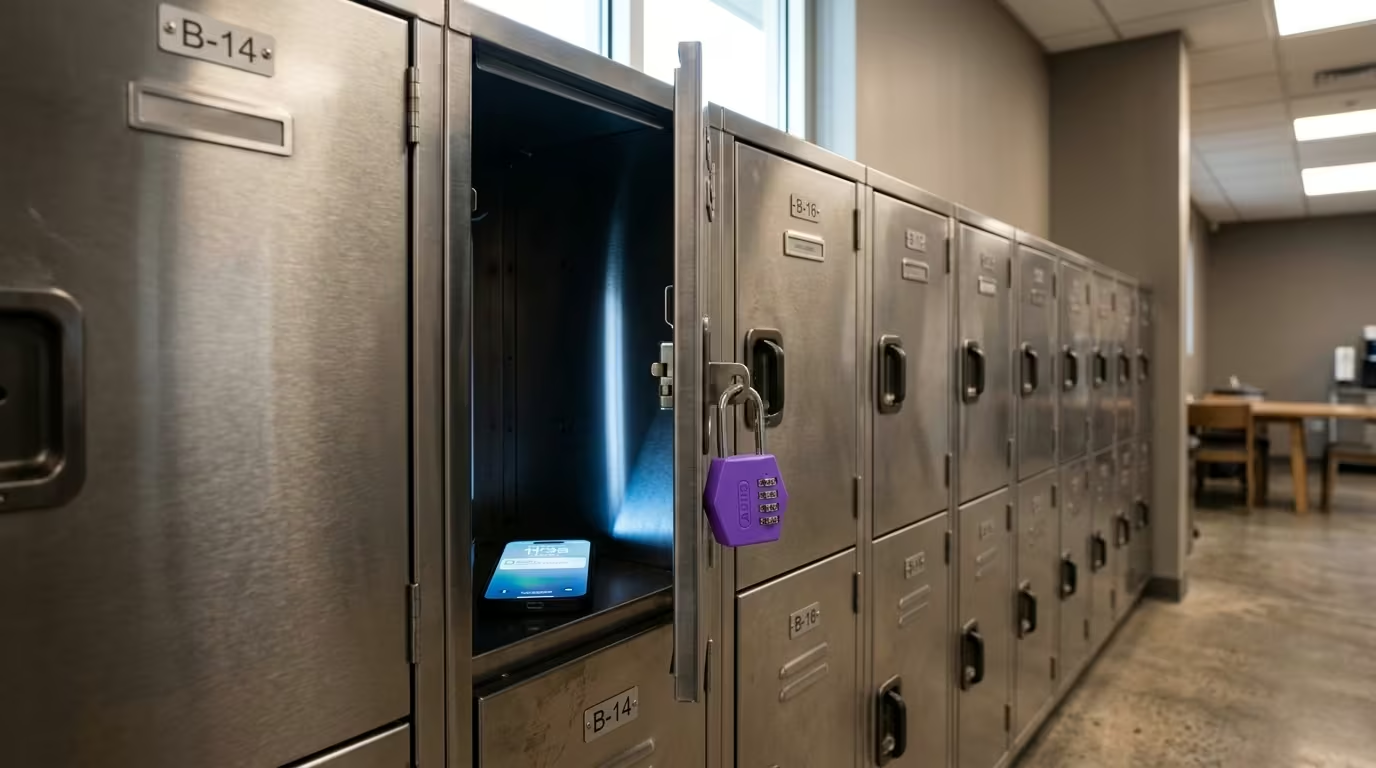
The phone isn’t always reachable. Over half of North American employers had official phone-restriction policies by 2023, and the number is projected to reach 69% by 2026. In one case reviewed by the NLRB, an employer required personal phones stored in lockers or vehicles [1]. Use was allowed only during breaks in designated areas. When the device your panic system depends on is locked in a drawer, the system doesn’t exist.
Signal disappears when you need it most. When Amnesty International tested its own Panic Button app in the field, users facing actual threats couldn’t activate it [2]. Signal loss, insufficient time, and phones running out of credit all contributed. Cell networks are often overwhelmed during emergencies, and relying on a phone for emergency communication is explicitly discouraged by state emergency management agencies.
False alerts kill adoption. That same field test uncovered a false-alert bug that became a serious technical hurdle and a barrier to ongoing use [3]. Nearly a quarter of beta testers reported false alerts, and some users uninstalled the app entirely. Once trust erodes, people remove the app. Coverage collapses silently.
Regulatory exposure grows. OSHA’s employee alarm standard (29 CFR 1910.165) requires workplaces with ten or more employees to maintain alarm systems with power backup and building-wide perception. Softphone apps on employee phones typically can’t meet these requirements because they lack independent power backup and can’t guarantee building-wide audibility or reach. The structural gap creates real compliance risk for your facility.
These problems are baked into the platform. A better-designed app can’t fix a phone that’s in a locker, out of signal, or out of battery. The buyer’s guide covers the full category landscape beyond phone-based systems.
Alternatives to Smartphone Panic Buttons for Your Office
Four categories exist beyond phone-based apps. Each solves different problems and carries its own tradeoffs.
| Category | What It Solves | Best Fit | Key Tradeoff |
|---|---|---|---|
| Dedicated hardware on independent mesh | Eliminates every phone dependency: signal, battery, screen, app | Multi-room offices with mobile staff and no existing alarm infrastructure | Requires beacon installation; coverage limited to beacon areas |
| Fixed hardwired alarm panels | Zero network dependency, zero battery management, proven technology | Single fixed threat points (reception desks, cashier windows) | Fixed position only; no mobile coverage; requires physical wiring |
| Two-way radios with panic features | Independent of WiFi/cellular; enables voice communication | Offices with existing radio infrastructure and trained security staff | Cognitive load under stress; bulky; no automatic location data |
| Monitored security service integration | Professional verification reduces false-alarm burden; can include 911 dispatch | Offices with existing monitoring contracts wanting to add panic alerting | Adds relay step before response; depends on trigger device |
Dedicated wearable and static hardware on independent mesh networks. These systems use single-purpose devices communicating through a private mesh of beacons, hubs, and gateways operating independently of WiFi, cellular, and IT infrastructure. One button press sends an alert with room-level location. No unlock sequence, no app to find, no screen to navigate. Battery life runs in years, not hours. Deployments using this architecture typically achieve alert delivery in seconds from button press to security notification. The tradeoff: you need beacon infrastructure throughout your space, and coverage stops where beacons stop. For offices needing mobile coverage across multiple rooms, floors, and common areas, this category structurally inverts every smartphone failure mode. The wireless systems guide covers the network architecture in detail.
See how a dedicated BLE mesh panic button system eliminates every smartphone dependency.
Fixed hardwired alarm panels. Physical buttons wired directly to a burglary or alarm panel silently signal a central monitoring station when pressed. No network, no battery, no app. This is the technology behind bank holdup buttons, reliable for decades. The limitation is equally straightforward: the button stays where you wire it. Staff who move between rooms or walk hallways have no coverage unless a button is installed at every location. If your threat concentrates at a single desk and you already have a monitored panel, this fits. The under-desk guide covers fixed-position options in depth.
Two-way radios with panic or duress features. Some radios include a dedicated panic button or emergency channel sending alerts on encrypted RF bands independent of WiFi and cellular. The advantage over phones is real: no network dependency and two-way voice capability. The disadvantage mirrors the phone’s core problem. Multi-function radios introduce cognitive load under stress. Simplifying radio design reduces user confusion, which is particularly helpful for administrative office staff who don’t regularly use the radio system [4]. Dense building materials also create RF dead zones affecting radios just as they affect cellular. For general office staff who rarely touch a radio, this category trades one set of stress-induced failures for another.
Monitored security service integrations. This is a service layer, not a hardware category. Panic alerts route through a professional monitoring center that verifies the alert before dispatching responders. The verification step reduces false-alarm burden on local police. The tradeoff: verification adds time between button press and response. If the trigger device is still a phone app, every phone dependency remains. This category works best as an add-on to one of the three hardware alternatives above. The 911 integration guide covers how dispatch routing works across system types.
A dedicated BLE mesh system eliminates every dependency the smartphone introduces: no charging, no signal requirement, no screen interaction, no app to find.
How to Tell If an Alternative Solves the Right Problem
Four questions separate alternatives that close the smartphone’s gaps from those that just rearrange them.
Does it eliminate phone dependency entirely? If the system still requires a phone somewhere in the alert chain, it inherits the phone’s failure modes. Check whether the path from button press to responder notification touches a personal device at any point.
Does it deliver location without user action? Under high stress, performing multiple steps becomes nearly impossible. Any system requiring the user to report their location adds steps that collapse under duress. The location should arrive automatically from the button press alone.
Does it work when building infrastructure fails? WiFi goes down. Cellular gets congested. Power outages happen. If your alternative depends on any of these, test what happens when they’re unavailable. The strongest systems operate on infrastructure they control.
Does adoption hold past the first month? Badge-style deployments consistently show higher sustained adoption than app-based mandates because the device requires nothing beyond wearing it. Phone apps that require installation, updates, and phone access see adoption decay as rollout urgency fades. The less a system asks of its users on an ongoing basis, the more likely it still works six months from now.
The simplest test for any alternative: does it work without requiring anything from the person beyond one physical action? Any system that demands cognitive steps under duress replicates the problem you’re already trying to solve. Start with that question. The alternatives to smartphone panic buttons for your office that genuinely close the gap will separate themselves from the ones that just repackage it.
SMARTPHONE ALTERNATIVE EVALUATION
Ready to Replace Your Phone-Based System?
See how a dedicated BLE mesh system eliminates every smartphone dependency: no charging routine, no signal requirement, no screen interaction. Room-level location. Multi-year battery life. Independent network.
References
- Ogletree Deakins. “Cell Phone Use on Hold After Recent NLRB Decision.” https://ogletree.com/insights-resources/blog-posts/cell-phone-use-on-hold-in-manufacturing-plants-after-recent-nlrb-decision
- Amnesty International. “Panic Button Field Evaluation.” https://www.amnesty.org/en/wp-content/uploads/2021/05/ACT1021342015ENGLISH.pdf
- Amnesty International. “Panic Button Beta Testing Report.” https://www.amnesty.org/en/wp-content/uploads/2021/05/ACT1021332015ENGLISH.pdf
- Consulting Engineers (OpenSpace Radio System Assessment). “Radio System Assessment.” https://www.openspace.org/sites/default/files/20201118_RadioSystemAssessment_R-20-110.pdf